 by CEF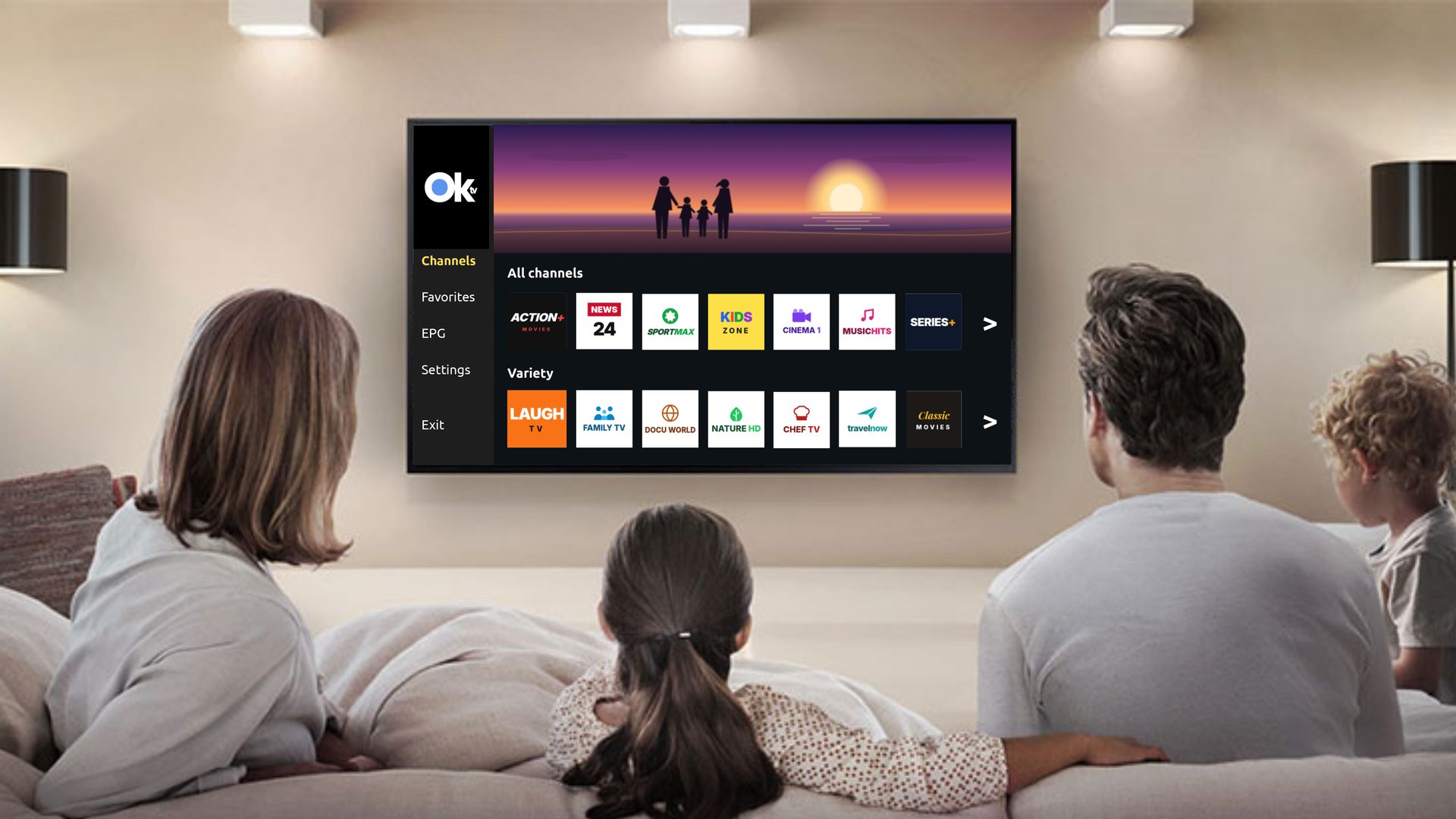
TV Middleware
Your IPTV/OTT platform, in the cloud!
OKTV by CEF is the cloud middleware behind your TV service: live channels, video on demand, subscribers and apps, managed in one place. Built for TV operators, internet providers and hotels.
Features
Everything your TV service needs, in one platform
Control from any device
Manage your whole service from a browser on a computer, tablet or phone.
Users per operator
Each operator manages its own subscribers, separately from the others.
Content packages
Group channels and video on demand into packages and assign them to subscribers.
Device limit per user
Decide how many devices each subscriber can watch on.
Parental control
Let subscribers restrict content that is not suitable for children.
Monetization and analytics
Earn from in-app advertising and see how your service is used.
REST API
Connect OKTV to your own systems and to third-party tools.
White-label apps
Apps for phones, TVs and the web, under your own brand if you wish.
Live and VoD
Live channels and video on demand in the same service.
DRM compatible
Works with DRM, so protected content can be delivered to your subscribers.
Marketing banners
Show your own promotions inside the apps.
EPG (TV guide)
An electronic program guide shows subscribers what is on now and next.
AI-generated image. We protect our clients’ and our team’s privacy.
Cloud panel
Run your TV business in one place, the cloud.
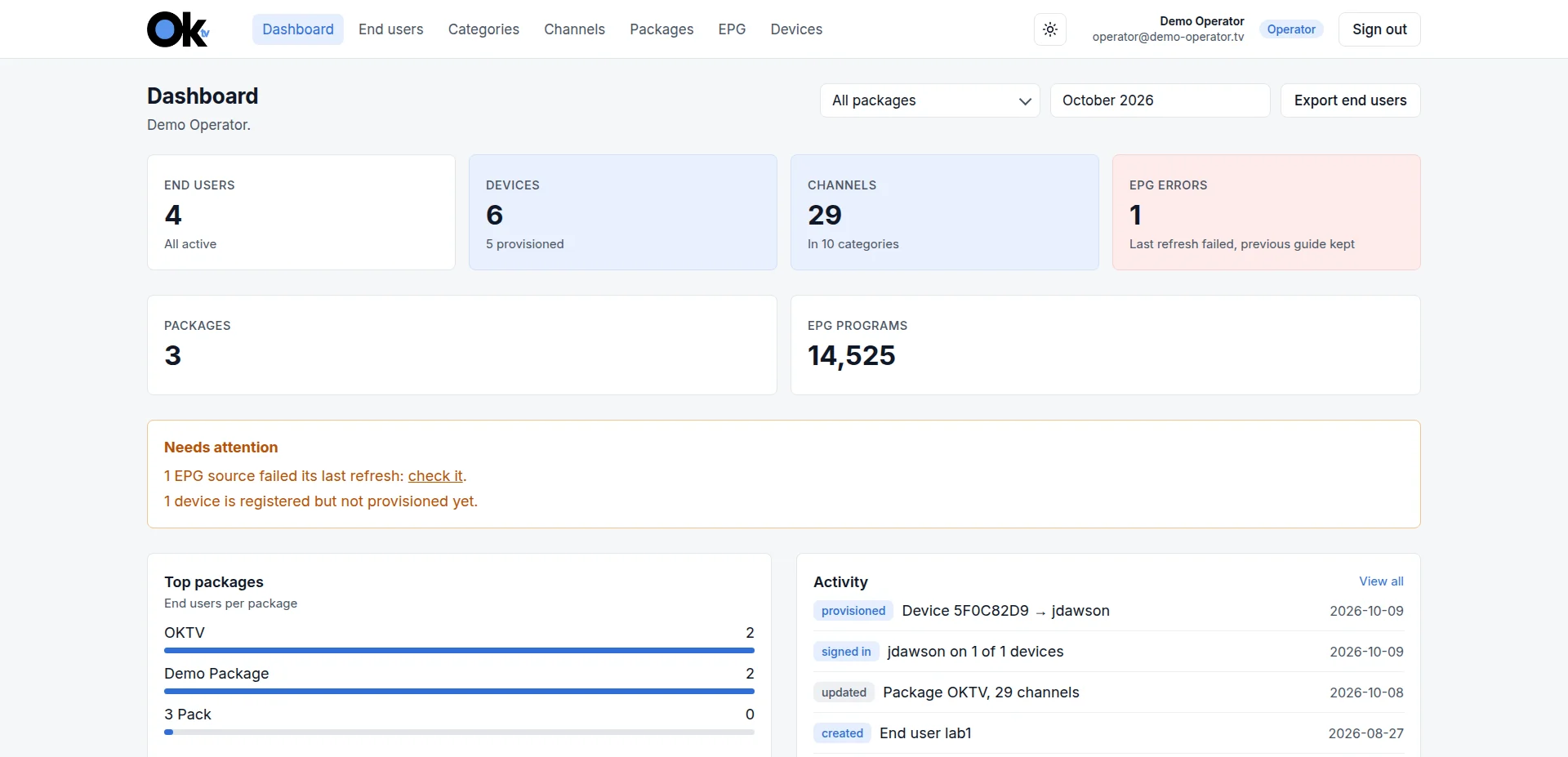
Dashboard
Your service at a glance: end users, devices, channels and anything that needs attention.
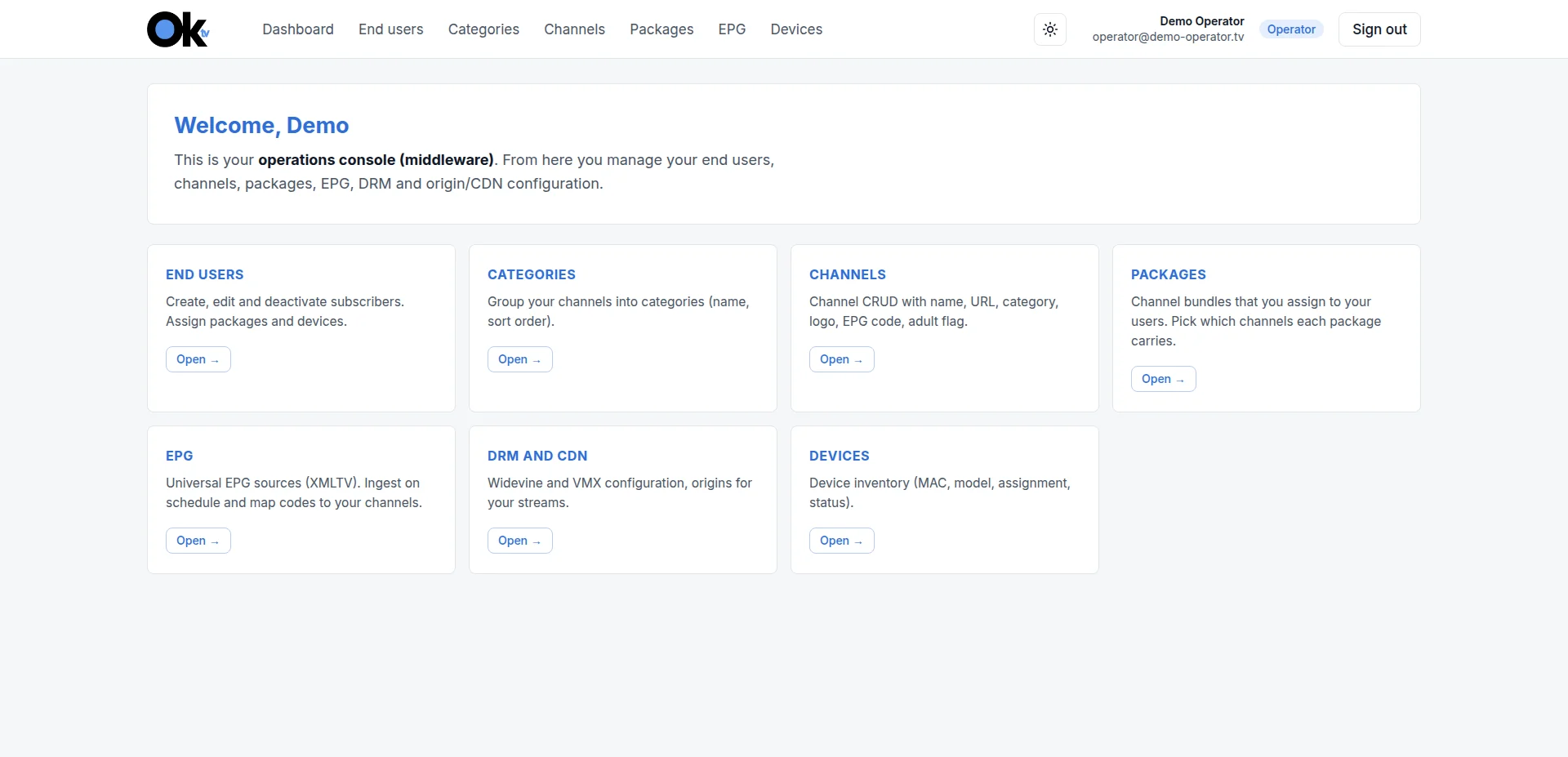
Operations console
Every part of your TV service, one click away.
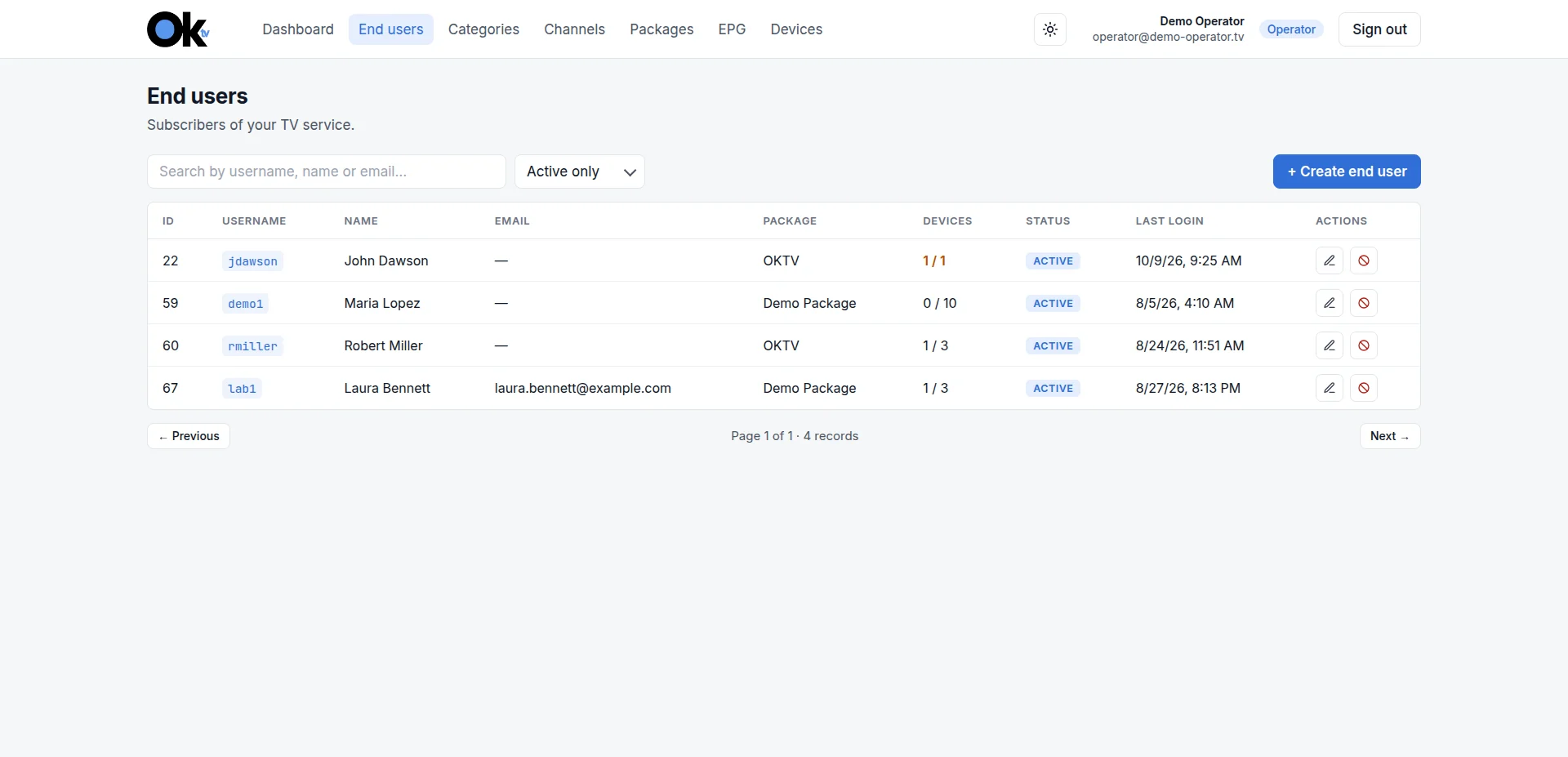
End users
Your subscribers, their package, their devices and their last login.
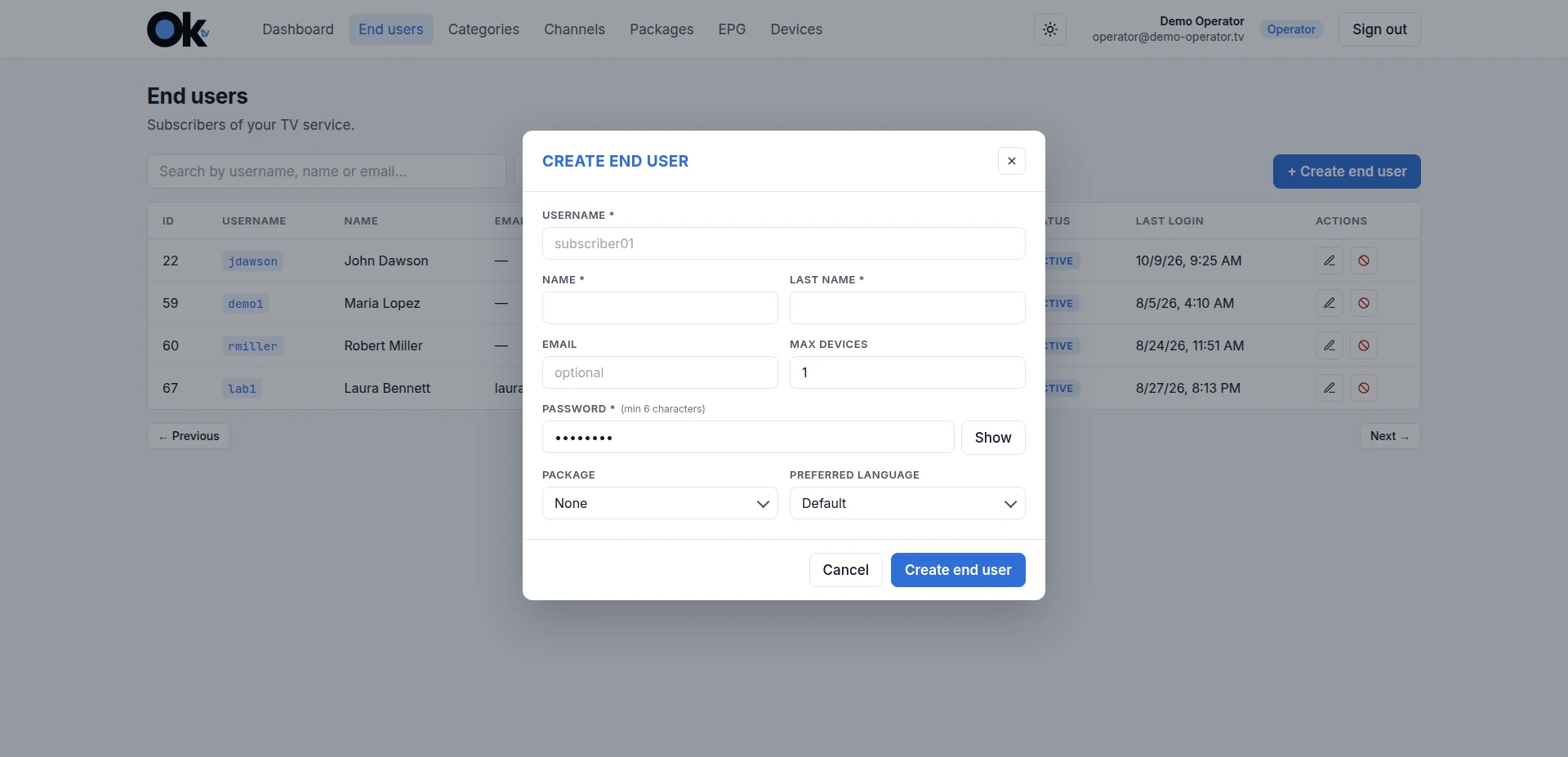
Create an end user
A username, a password, a package and a device limit, and the subscriber is ready.
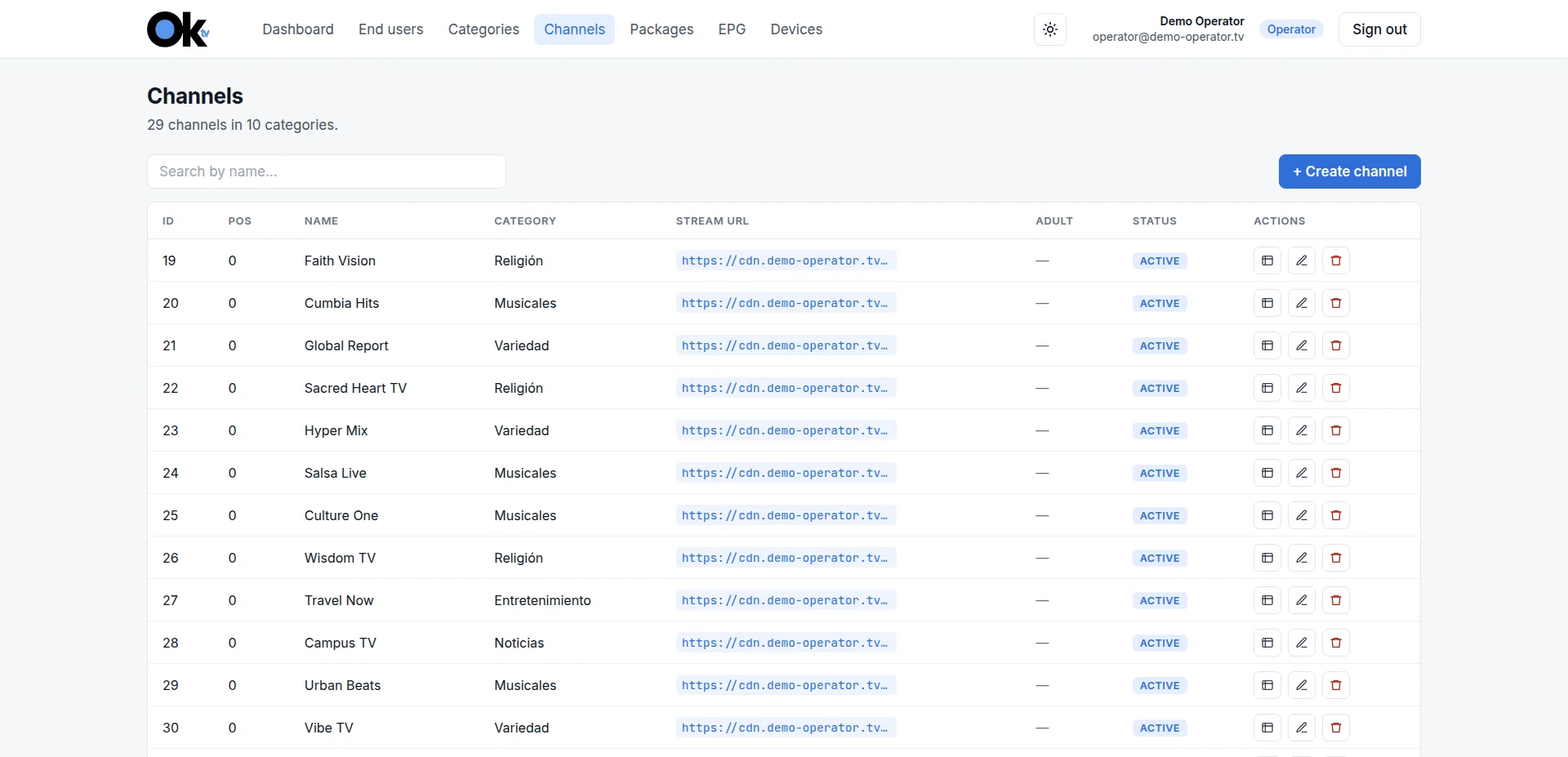
Channels
Every channel with its category, stream URL and status.
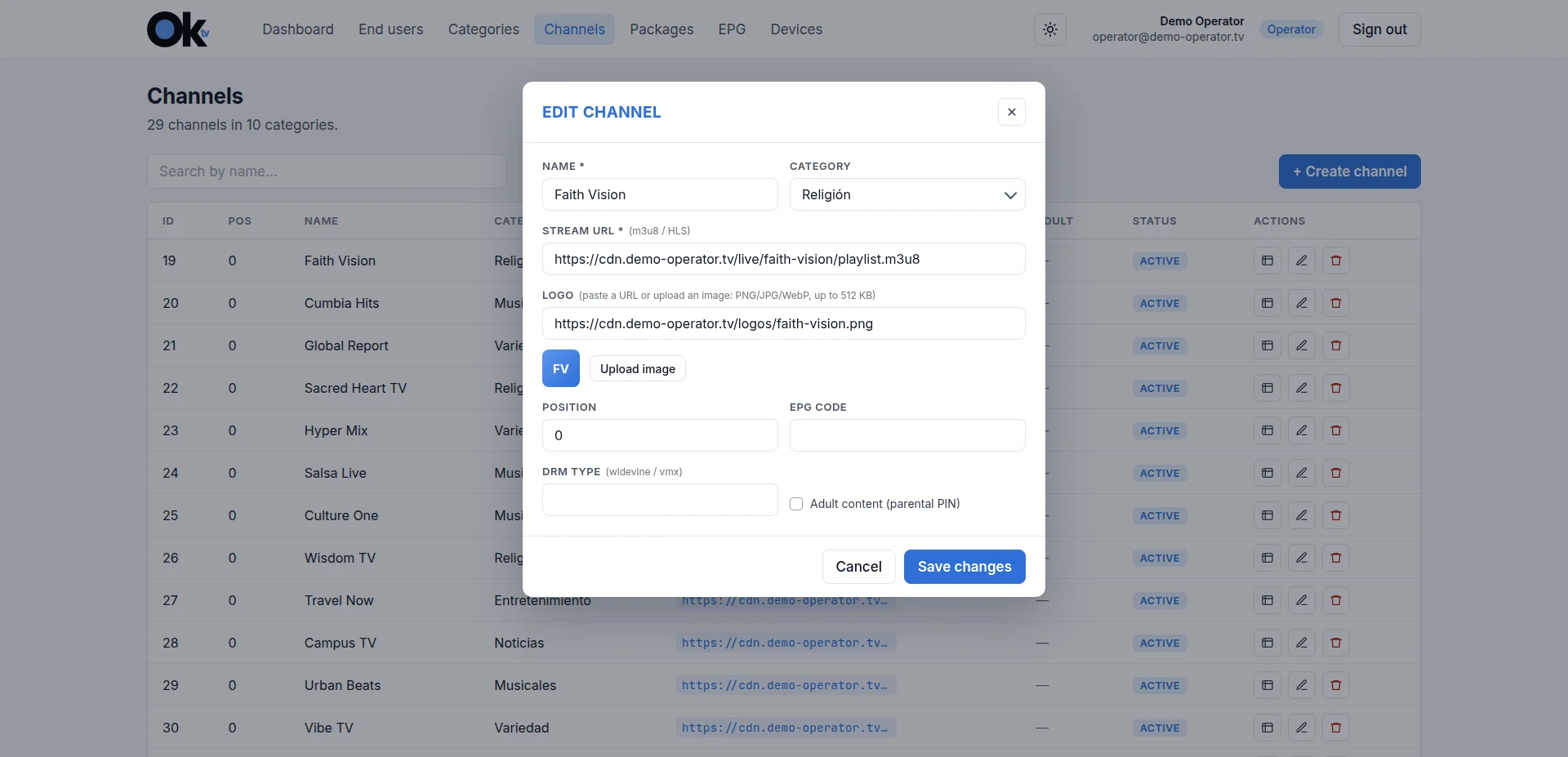
Edit a channel
Name, category, stream, logo, EPG code, DRM and parental PIN, in one form.
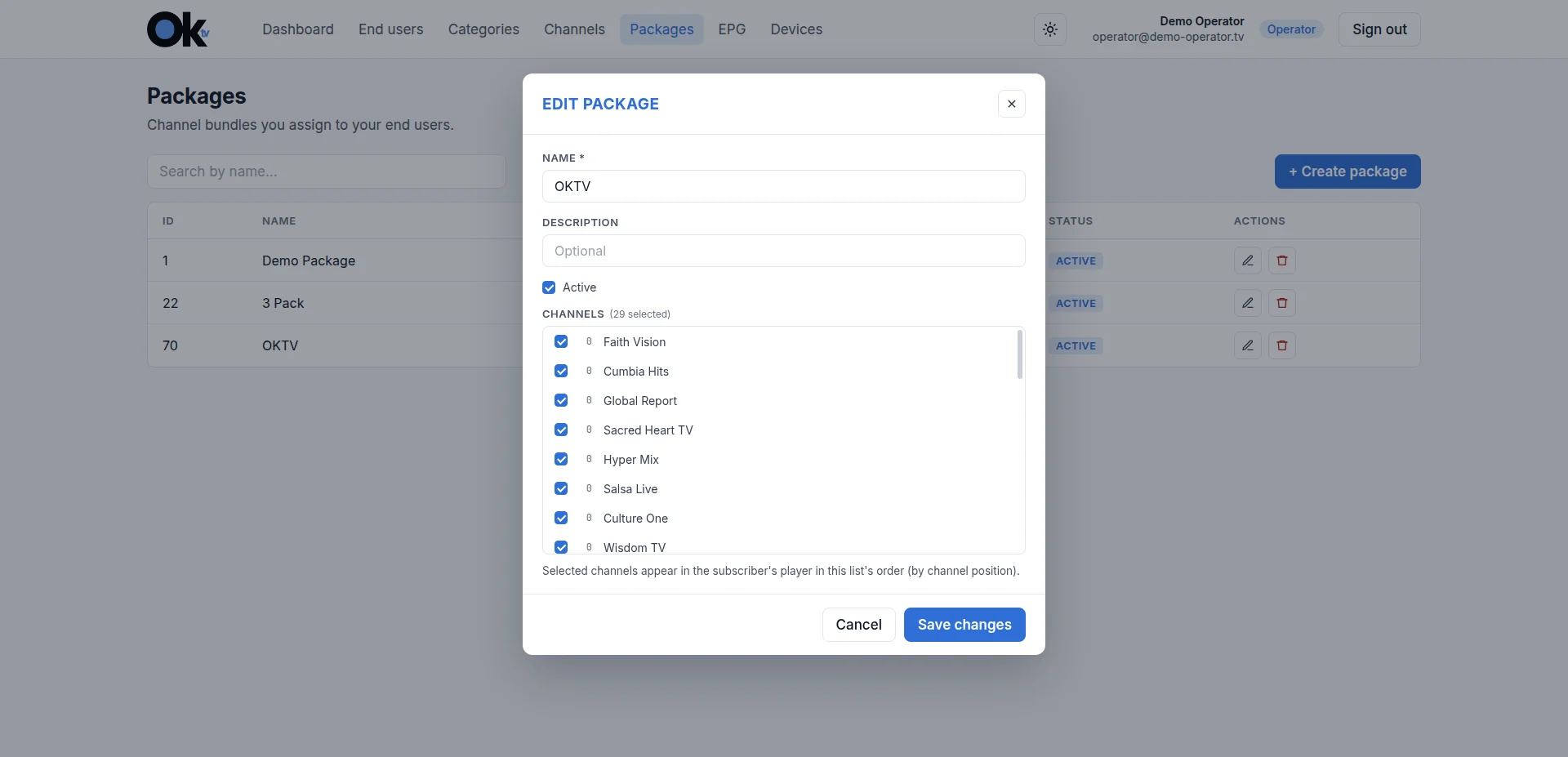
Packages
Pick the channels each package carries; your subscribers see them in that order.
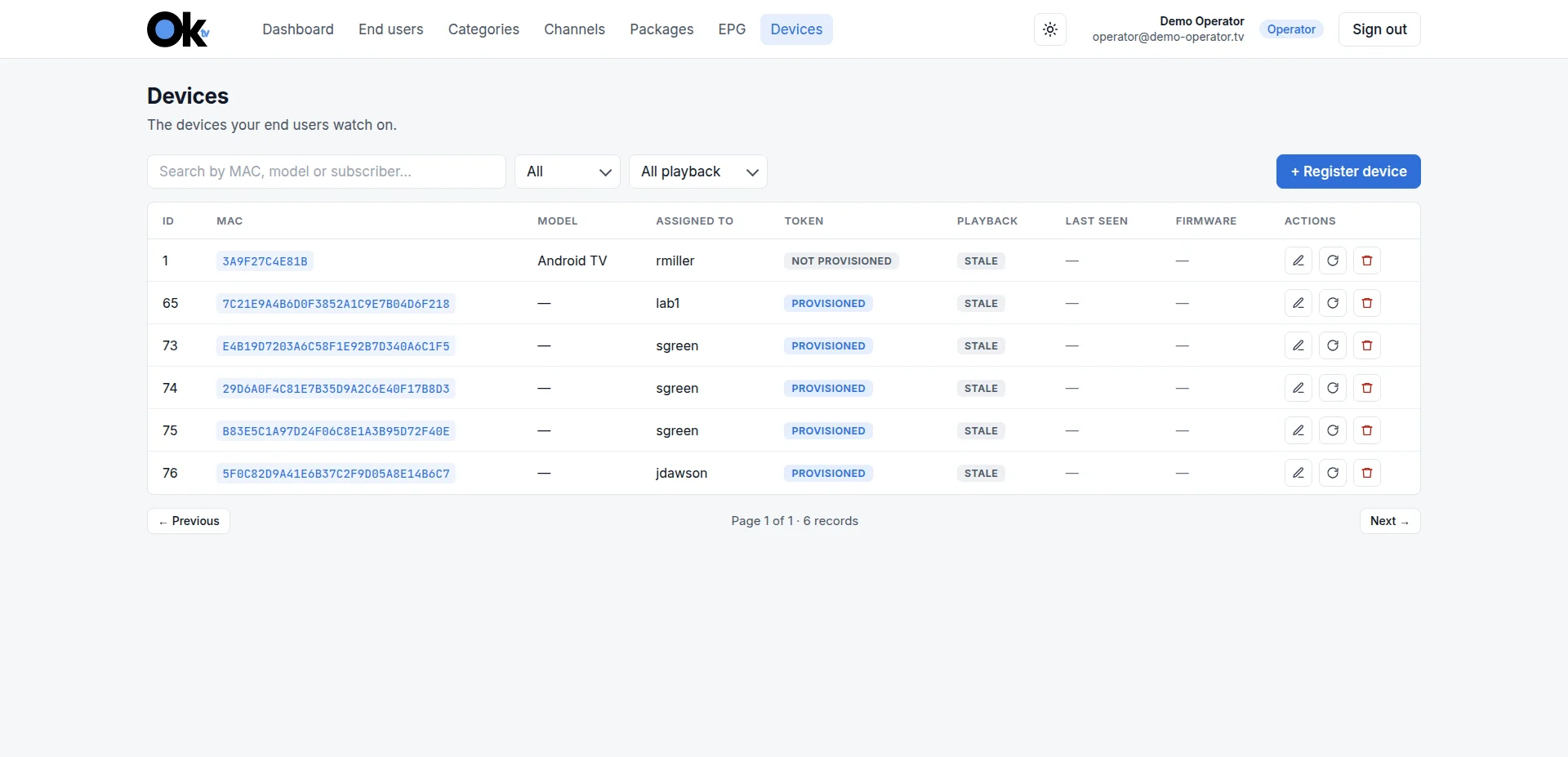
Devices
Every device, who it belongs to and whether it is provisioned.
Apps
Your service on every screen
Your subscribers watch on the devices they already have. The apps carry your brand, or OKTV's if you prefer.
Android
Phones and tablets
iOS
Phones and tablets
Google TV
TVs and streaming devices
Samsung TV
Smart TVs
Fire TV
TVs and streaming devices
Roku
TVs and streaming devices
Web portal
Chrome and other browsers
Need another platform? Apps for other devices are available on request.
AI-generated image. We protect our clients’ and our team’s privacy.
Our markets
Top use cases by industry
Cable TV
Add an IPTV/OTT service to your cable offer: live channels, video on demand and apps, under your brand.
IPTV/OTT
Run your IPTV/OTT service from one cloud panel, with apps for phones, TVs and the web.
Hospitality
Offer your guests live channels and hotel information channels on the room TV, and on their own devices wherever they are during their stay.
How it works
From demo to live service in four steps
Request a demo
See OKTV working with a demo account before you decide.
We set up your platform
CEF sets up your platform and your operator panel.
Load your content
You load your channels, packages and subscribers.
Your subscribers watch
The OKTV app is ready to use: each subscriber signs in with their own credentials. Optionally, the app can carry your brand.
AI-generated image. We protect our clients’ and our team’s privacy.
FAQ
Frequently asked questions
Is OKTV available for end users?
No. OKTV is a business-to-business service for TV operators, internet providers and hotels. To watch TV at home, please contact your TV or internet provider.
Which devices can my subscribers watch on?
Android and iOS phones and tablets, Google TV, Samsung TV, Fire TV, Roku, and the web portal in Chrome and other browsers. Apps for other devices are available on request.
Can the apps carry my brand?
Yes, as an option. The apps can carry your brand, and we fully support your team in publishing them under your own app store accounts. Or you can simply use them as OKTV.
Can I try OKTV before I decide?
Yes. Request a demo and see OKTV working with a demo account.
Can OKTV connect to my own systems?
Yes. A REST API lets your own systems and third-party tools work with OKTV.
What availability does CEF commit to?
CEF's Service Level Agreement commits to 99.9% availability per calendar month. It covers the OKTV platform only, not your content or its delivery. If you need a CDN service, contact us to request it.
Launch your IPTV/OTT service now!
Request a demo and see OKTV working before you decide.
Request a demo